
How to Fish VR Mod: HowToFishXR Install & Setup
The game has no built-in VR, but this free mod runs it in PCVR: requirements, install steps, flat-screen switching and multiplayer.
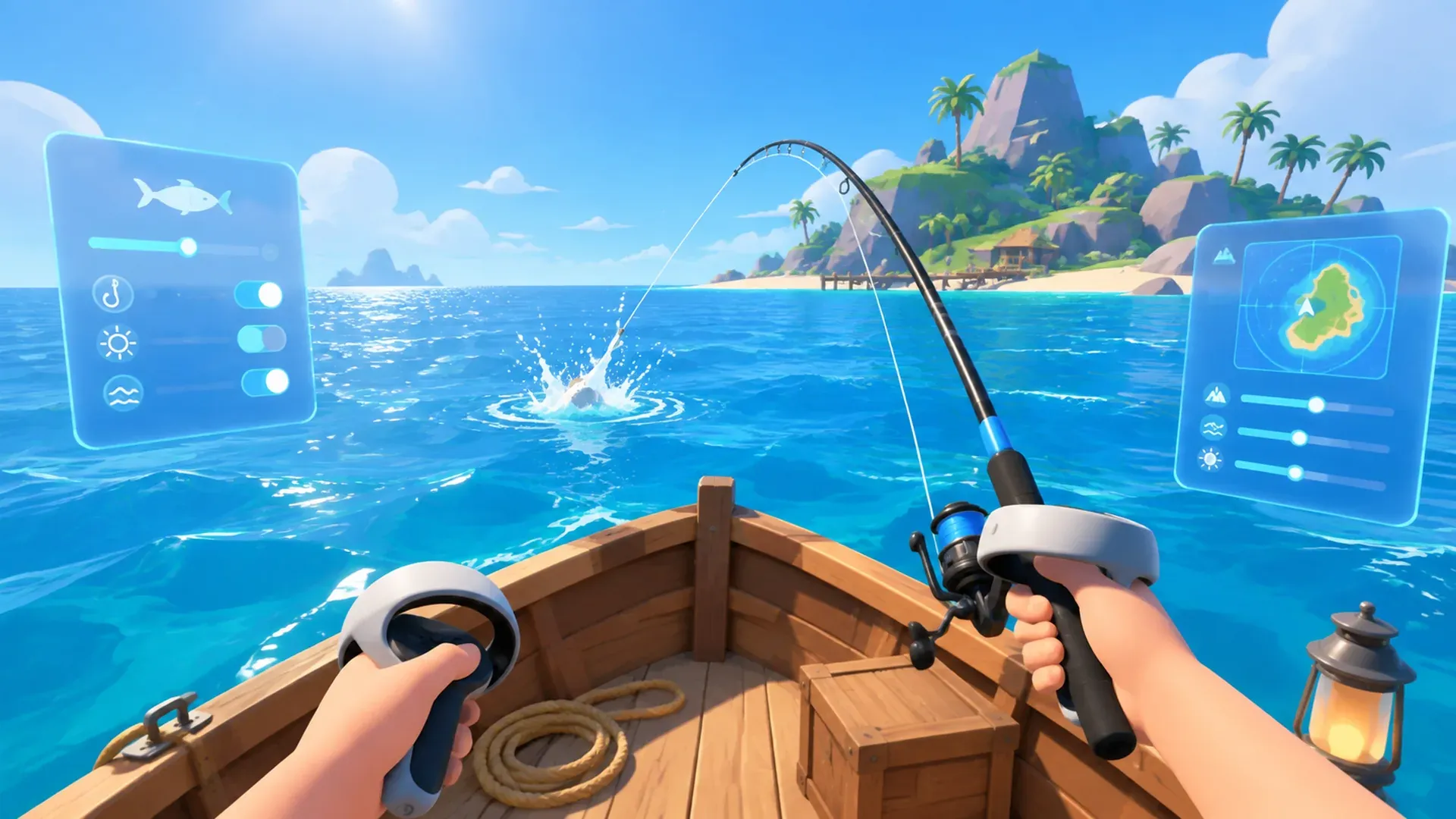
Start with the important part: HowToFishXR is not an official feature.
The game has no native VR. It is not on the Steam store page, and it is not in any patch note. This mod is made by J_axon, open source on GitHub under the Apache-2.0 licence, and it turns the Windows build of How to Fish into full 6DoF PCVR.
What it adds
- Tracked hands, with hand-aimed melee and throwing.
- Casting and reeling done with motion, not button presses.
- One-handed and two-handed gun handling.
- Roomscale movement and crouching, with full-body IK or a hands-only mode.
- VR versions of the HUD, menus, dialogue, world markers, plus death, underwater and damage effects.
- An in-world keyboard that opens when you select a text field, for typing names.
- VR and flat screen can be swapped at will, with no reinstalling.
- Multiplayer pose syncing for VR head, hands, body, tools and fishing.
What you need
| Item | Requirement |
|---|---|
| Game | How to Fish on Windows / Steam (App ID 4001890) |
| Mod loader | BepInEx 5, meaning BepInEx-BepInExPack-5.4.2305. It is not bundled with the VR mod and must be installed separately |
| Headset and runtime | A PCVR headset plus a working OpenXR runtime such as SteamVR, Meta/Oculus, PICO Connect or Virtual Desktop |
| Platform limits | Windows PCVR only. It is not a standalone Quest or Android build |
The project’s OpenXR profiles cover Meta Quest 1, 2, 3 and 3S (over Link, Air Link, SteamVR or Virtual Desktop), Rift and Rift S, Valve Index, HTC Vive, Windows Mixed Reality, HP Reverb G2, Meta Touch Pro and Khronos-compatible controllers. PICO PCVR controllers use Unity’s common OpenXR mappings.
Install steps
- Install BepInEx 5 first —
BepInEx-BepInExPack-5.4.2305from Thunderstore. - Download the latest HowToFishXR archive from GitHub Releases. It contains
README.md,NOTICE, and theBepInEx/pluginsandBepInEx/patchersfolders. - Copy its
BepInExfolder into the folder holdingHow to Fish.exeand let the folders merge. - Start your OpenXR runtime first, then launch the game normally through Steam.
Thunderstore hosts a separate package with its own manifest, icon, README and declared dependency. Installing through a Thunderstore-compatible manager pulls the dependency in for you.
If you plan to stack it with other plugins, read the MorePlayers mod guide first.
Switching between VR and flat screen
- VR is the default. Start the OpenXR runtime, then launch the game.
- One-time flat screen: add
--disable-vrto the Steam launch options. - Permanent flat screen: open
BepInEx/config/com.jaxon.howtofishvr.cfgand setDisable VRtotrue. - The mod can stay installed. A flat-screen client still receives and displays synced VR player poses.
The VR Settings menu
Open VR Settings from the main menu or the pause menu. You can also press F1, or click both thumbsticks while either menu is visible.
| Setting | What it controls |
|---|---|
| Body | Full-body IK or hands only |
| Turning | Off, snap turning or smooth turning |
| Snap Angle | Degrees per snap turn |
| Smooth Speed | Smooth-turn degrees per second |
| Melee Aim Guide | Temporary aim guide for fists, knuckles and knife |
| Roomscale Movement | Whether real walking and crouching move the game body |
| Sprint Mode | Hold or toggle |
| Crouch Mode | Hold or toggle |
| HUD Scale | VR HUD size |
| Death View | First-person ragdoll or head-tracked third person |
| Calibrate | Starts the guided standing T-pose calibration |
Some things the README says are not there: no dominant-hand switch, no HUD distance slider, no VR post-processing toggle, no hand-position or height-offset calibration, and no forced motion vignette. The primary hand is permanently right, HUD distance and hand positions use tested fixed values, and player height uses the game’s native value.
For finer control, edit BepInEx/config/com.jaxon.howtofishvr.cfg: world scale, recenter and height-calibration bindings, turn and movement deadzones, head-relative movement, boat steer sensitivity, HUD follow and smoothing, grip threshold, and VR pose sync with a 5–60 Hz rate.
Multiplayer and conflicts
- Pose syncing needs the mod on both ends. The host and the receiving clients all need HowToFishXR. A vanilla client cannot see a VR player’s body.
- You can still play with vanilla lobbies. The README also admits that some VR player movements may look inaccurate or bugged to others, and that those sync issues are still being patched.
- Conflicts are likely. The mod changes the camera, input, player-body presentation, item handling and UI. Plugins patching the same systems can fight it. When something breaks, keep only HowToFishXR and add the others back one at a time.
- The developer has never supported mods. Dazed Games will not cover save, connection or crash problems caused by them.
Versions and update rhythm
- GitHub Releases is currently v1.3.0 (September 7, 2026). v1.2.0 and v1.0.0 both landed on September 4.
- The mod hooks internal game methods. After an official update such as Patch 1.0.12 it may need the author to rebuild, so check the Releases page before launching after a game update.
- When reporting a bug, include the game version, headset and runtime, and reproduction steps. Review your logs before uploading them.
Licence and credit
The mod is Apache-2.0: study it, modify it, redistribute it. You must keep the LICENSE and NOTICE, credit J_axon, and link back to the project repository.
Sources: HowToFishXR README, GitHub Releases, the Thunderstore page, BepInExPack and the How to Fish Steam page.

Related Articles
guide
How to Fish Beginner Guide: First Hour, Controls and Upgrades (1.1.3)
The first-hour How to Fish loop on version 1.1.3: controls, difficulty numbers, saving and Steam Cloud, safe selling, the $10 Radar and first boss.
guide
How to Fish Difficulty & Control Settings: Easy, Normal or Hard?
What easy, normal and hard actually change, how to pick one, how to verify it, plus the aim, sprint, hold-to-attack and nametag toggles added in 1.0.11.
guide
How to Fish Island Progression: Unlock Every Island
Unlock five prerequisite story islands and the mainland endgame with the exact NPC, boss trophy, boat key, $10 Radar, and green-marker checks.