
How to Fish Multiplayer, Black Screen & Cannot Join Fixes
Fix How to Fish co-op failures with the official Steam Relay red branch, private lobbies, version alignment, session restart, server names and community workarounds.
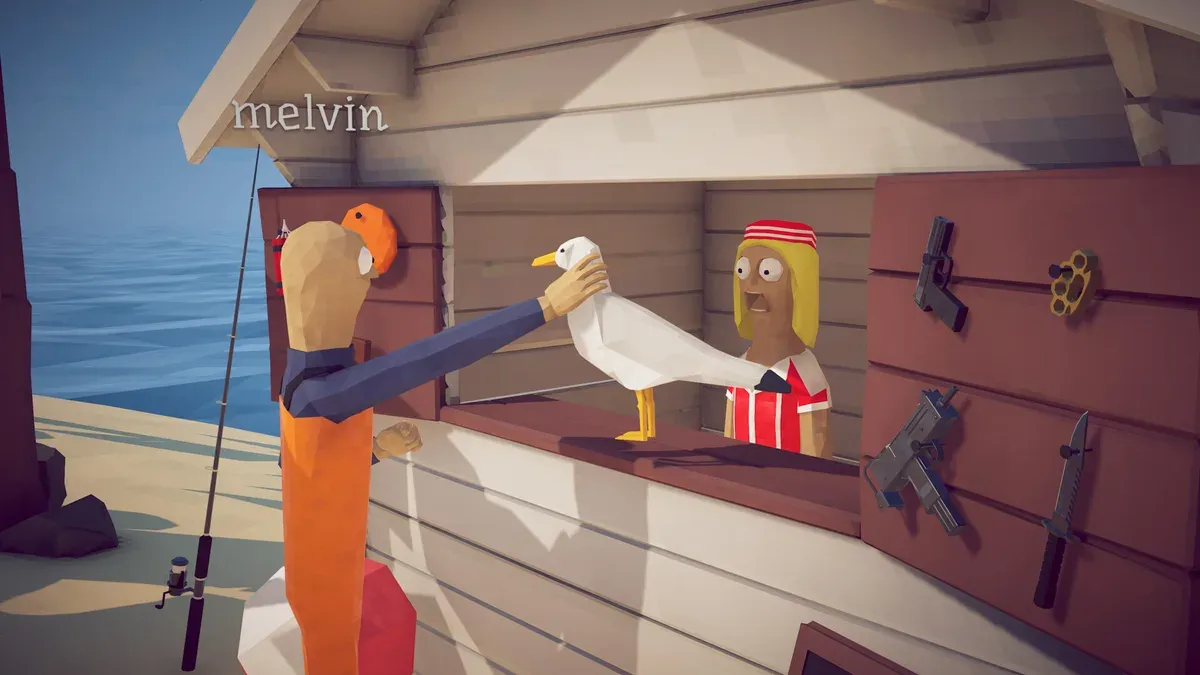
The store launch copy describes 1–4 players; Patch 1.0.4 officially added up to 8-player lobbies. Patch 1.0.11 attempts to fix one inventory-related invisible-player problem during joining, but does not claim to fix every black screen, Relay failure, desync, or modded lobby. Start with one host and one client, then add players only after the island loads.
Steam Relay text is red
Patch 1.0.9 officially defines red Steam Relay text as a connection-initialization failure. Use this complete order before changing graphics settings:
- Take a screenshot of the red Relay text and note the build shown in the main menu.
- Exit How to Fish. In Steam choose Steam → Exit, then reopen Steam in Online Mode and install every pending client/game update.
- Open Library → How to Fish → Properties → Installed Files → Verify integrity of game files. Run the same check on the host and every failing client.
- Remove BepInEx, MelonLoader, lobby-size plugins, cheat menus and other injected tools for one clean test. Matching filenames do not prove matching mod configurations.
- In Windows Security, allow both Steam and the How to Fish executable through the firewall on Private networks. Add a narrow exception; do not leave the firewall or antivirus disabled.
- Disable any VPN, proxy or network accelerator for one test. If Relay stays red, try a phone hotspot or another connection once. A different result isolates the router/ISP route from the game install.
- Restart the router only after the client, files and firewall checks. Then let a different player host; if everyone can join Host B, focus on Host A’s Steam/network path.
- When Relay is no longer red, create a new two-player private lobby with a short ASCII name. Do not reuse the old room or invitation.
The firewall, mod and alternate-network checks are standard/community diagnostics, not fixes promised by Patch 1.0.9. If Relay remains red after all eight steps, use the official Dazed Games Community Discord, open #common-bugs, and include the screenshot, build, region, connection type and completed steps. Discord is the escalation channel, not a substitute for the procedure above.
Cannot join a friend
- Confirm every player is on the same game build and restart Steam.
- Host a private invite-only lobby with a short server name. Patch 1.0.5 added private lobbies and forbids special characters in server names because they can break saves.
- If you changed the session type in server settings, restart the game; Patch 1.0.5 explicitly requires it.
- Let the host load the island and Radar/quest UI before the client joins.
- Join one client at a time. Stop when the failure returns so the triggering client is known.
- Disable Steam/Discord overlays for one controlled test.
Black screen or gray screen
Patch 1.0.4 says the black-screen and gray-screen fixes are “hopefully” fixed. If the symptom persists with Relay normal, verify files and test an unmodded two-player private lobby. If the main menu works and only joining turns black, keep the diagnosis on version, lobby, host and network. If the game is black before the menu, update or roll back the graphics driver only when the failure began with a driver change, remove experimental -dx11/-dx12 launch options, and test overlays off. Record host region, player count, build, join order, audio state and the exact moment the screen turns black.
Player or inventory is invisible after joining
Patch 1.0.11 labels this specific join-inventory issue as “hopefully fixed.” Fully restart Steam and align all clients on 1.0.11 before retesting. If it still occurs, create a new unmodded two-player lobby, join one client at a time, swap host, and record whether the world, inventory, nametag, audio, or only the remote player is missing. Do not classify this automatically as a black-screen or Relay problem.
If MorePlayers or BepInEx is installed, disable the entire mod profile for the clean comparison. Only restore it after the base lobby succeeds; the MorePlayers guide covers version alignment and rollback.
Community session-ID workaround
Some players report joining a public session by copying its session ID when invites fail. Evidence level: community workaround only. It bypasses neither version mismatches nor a red Steam Relay state, and it is not an official supported flow.
Trophy and progression safety
Assign one trophy carrier, let the host verify the hand-in and keep the Radar/quest screen visible before anyone changes island. Co-op desync can look like a graphics bug when only another player or boat teleports.
Patch 1.0.10’s longer connection window may reduce instant disconnects, but it does not prove that a lobby, Relay initialization or host route is healthy. Keep the Relay color, build, host, player count and join order in the report when the same failure returns.
Sources: official Dazed Games Patch 1.0.4, 1.0.5, 1.0.9 and 1.0.10 announcements, Steam store page, and Steam Community reports, checked 2026-08-31.

Related Articles
guide
How to Fish MorePlayers Mod: Install, Configure & Remove
Push past the official lobby limit with the unofficial MorePlayers mod: install, MaxPlayers settings, coexistence with other mods and a clean removal.
reviews
How to Fish Co-op on Day Two: What Launch Week Really Looked Like
A four-player session recorded the day after launch is an accidental snapshot of the release build: black screens, failed joins, refund jokes.
reviews
Four Players in How to Fish: What Oracle's Full Group Actually Shows
With a full lobby the game becomes a survival drill: one baits, one revives, one hauls. Drowning, friendly fire and lag end runs, not bosses.